


How to Unsend an Email in Outlook: Can You Recall a Sent Message?
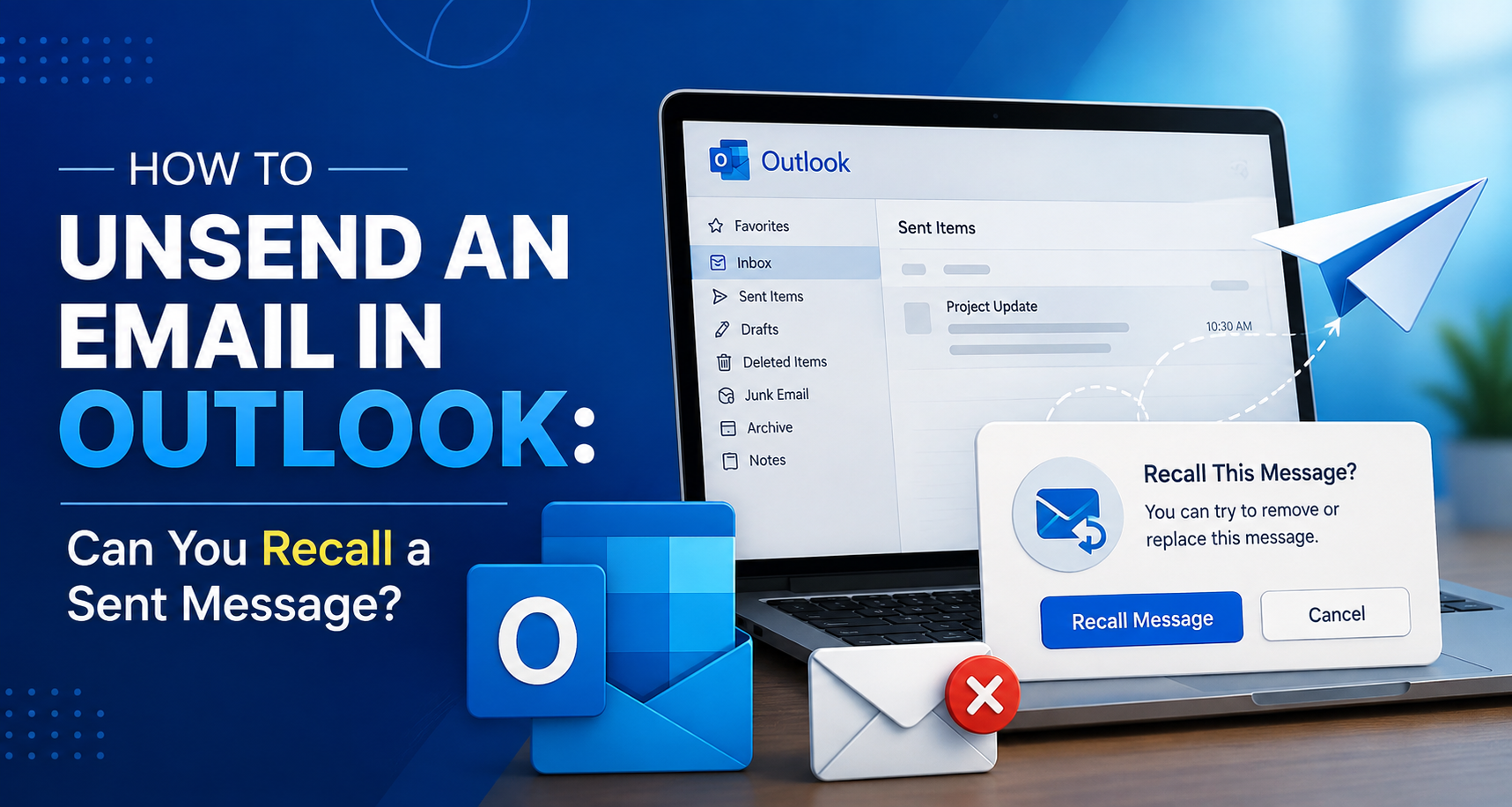
There are situations when you want to unsend an email. Maybe you have accidentally sent an email to someone else, or you have attached the wrong file. Usually, deleting a message is kind of easy for people, but when it comes to unsending an email, the process is not that easy. In fact, many email clients do not offer this feature to people.
If you are working on Outlook email and want to know how to unsend an email in Outlook, then you will be happy to know that Outlook email has a special feature, known as recall, that allows people to unsend an email that they have sent. Whether you have not attached the file you want or you have sent the wrong contents, this feature will easily ensure that you can recall or unsend your email.
Steps to Unsend an email in Outlook
Outlook has this kinda handy feature where you can try to recall, or unsend, an email after you already sent it. While the feature does not guarantee success every time, you can still try it to see whether it works for you. You need to adhere to the following steps to complete the process.
-
Go ahead and open the Outlook app on your computer to start the process.
-
Then, go to the Sent Items folder that is located in your mailbox.
-
Look for the email you want to recall and right-click it.
-
Here, you need to choose the “Recall This Message” option from the menu that pops up.
-
After this, you will be presented with two choices: either “Delete unread copies of this message” or “Delete unread copies and replace with a new message.” Pick what matches what you want to happen.
-
To complete the process, hit the “OK” button to send the recall request.
It may take a little time for Outlook to process the recall, and during that time the recipient might still be able to see the original email. To see what happened, open Sent Items again, then right-click the same email, and look for the result in the “Recall Status” column.
One more thing to keep in mind: this recall feature can fail if the other person already opened the message, or if the email went to an external address. Also, it generally works only when both accounts are in the same organization, because the whole idea is tied to whether the recipient hasn’t read it yet and whether their account supports the recall.
So, if you wanted to know can I unsend an email in Outlook, then the simple answer is yes: Outlook allows you to recall an email, but the process will only work if the receiver has not read the email. It is recommended to complete this process as early as you can after sending the email to get the best results.
In case you want to know the process to unsend an email in other email clients, then you can rely on the website Datarecovee to learn the same.

 English
 Arabic
 French
 Spanish
 Portuguese
 Turkish
 Dutch
Dutch
 Italiano
 Russian
 Romaian
 Portuguese (Brazil)
 Greek
Greek